Run a Discipline
Running a Discipline processes the configured SIR Inputs and generates calculated SIR Outputs for the selected Discipline within a Design Option.
Each Discipline Type (e.g. Power, Water, Gas, Sewer, Comms, BaseStation) contains different input fields relevant to that infrastructure category.
A Discipline must be fully configured before it can be successfully run.
Select the Discipline
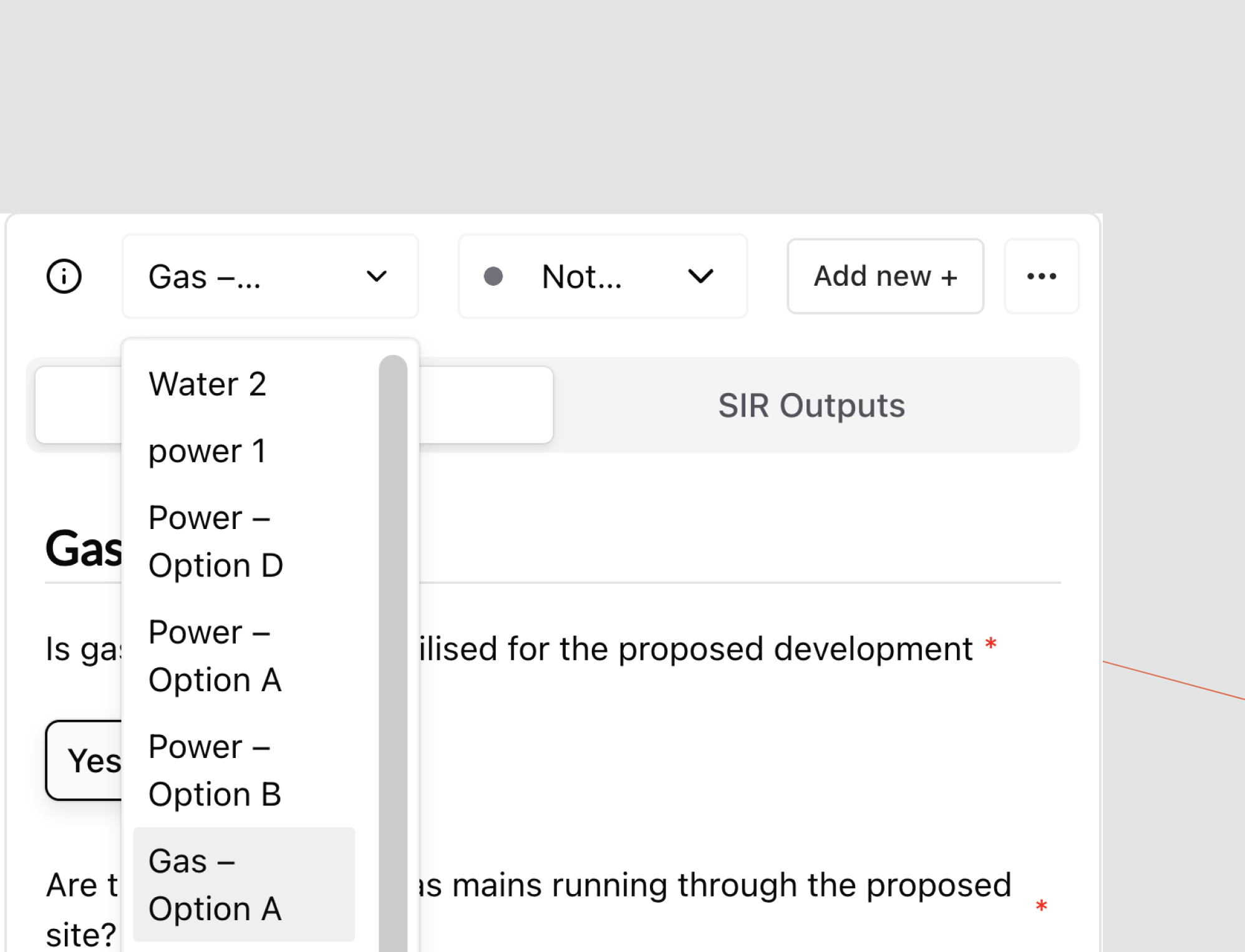
Use the Discipline dropdown at the top of the screen to select the Discipline you want to configure and run.
Ensure the correct Design Option is selected.
SIR Inputs
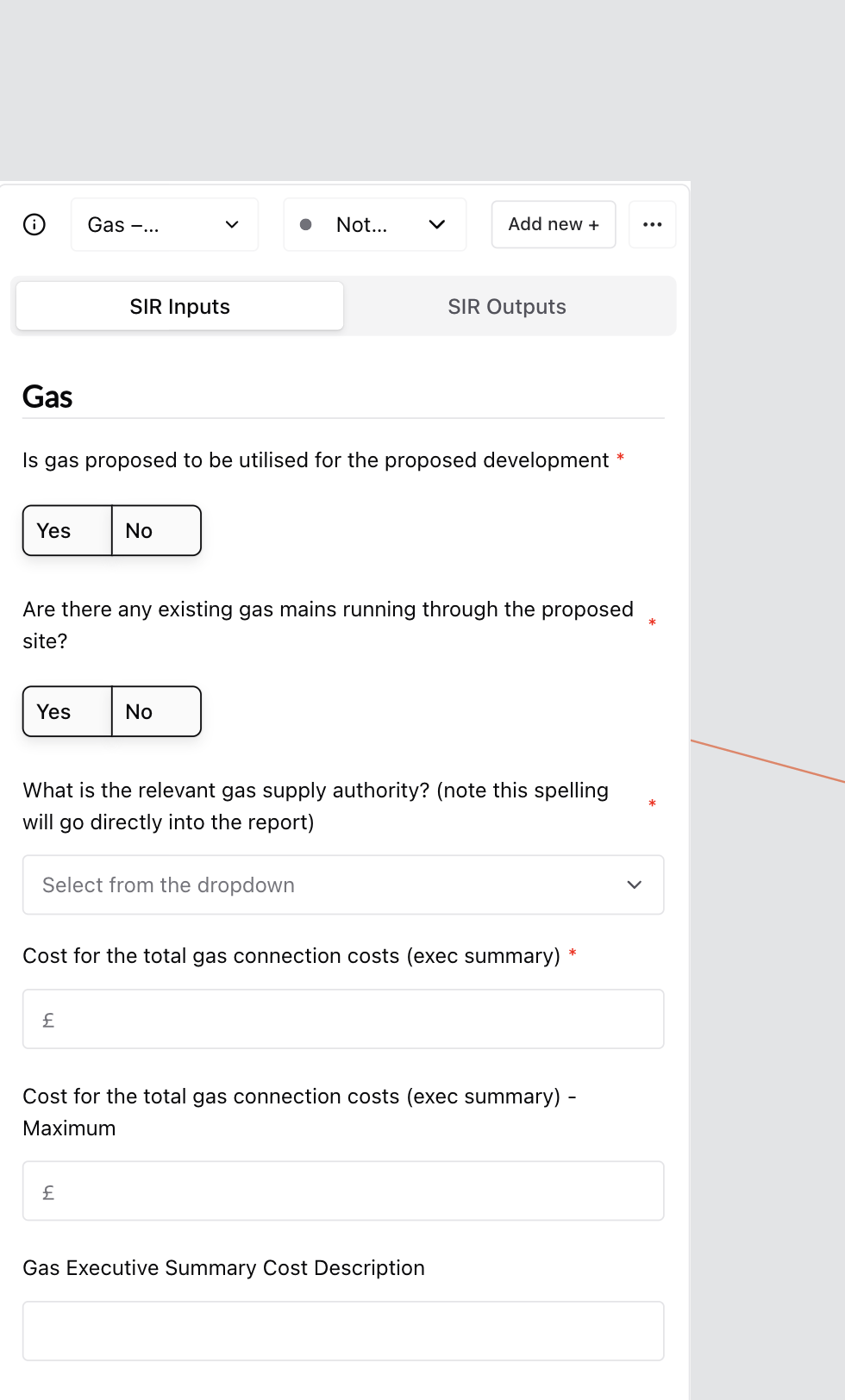
This is where all infrastructure-specific assumptions and configuration details are entered.
Input fields will vary depending on the selected Discipline Type.
Complete Required Fields
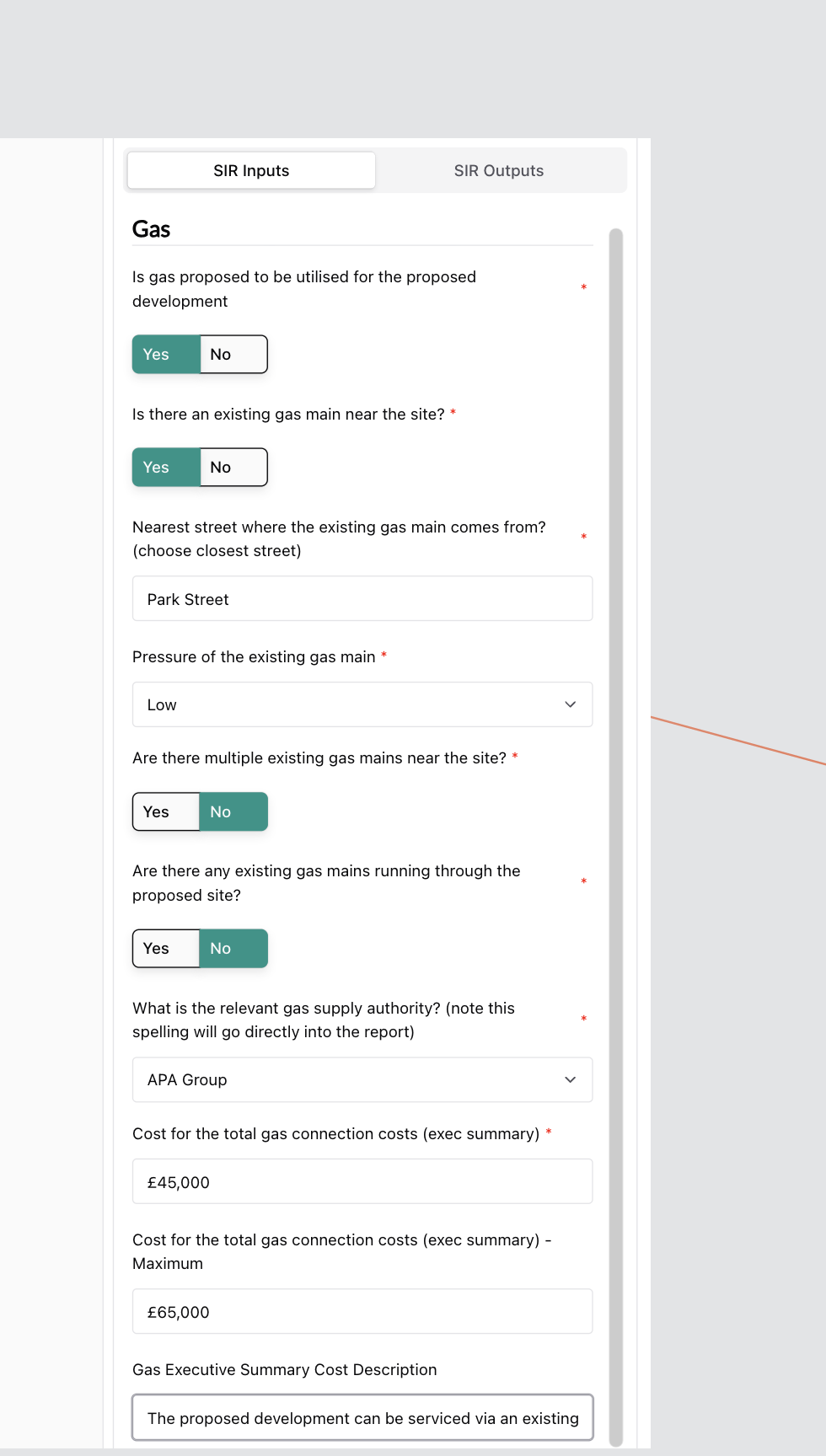
Work through the form and complete all required fields (marked with a red *).
Inputs differ by Discipline Type. For example:
Gas may include:
- Whether gas is proposed
- Existing main proximity
- Nearest connection street
- Pressure level
- Supply authority
- Executive summary cost range and description
Ensure:
- All required fields are completed
- Cost ranges reflect the intended scenario
Save Inputs
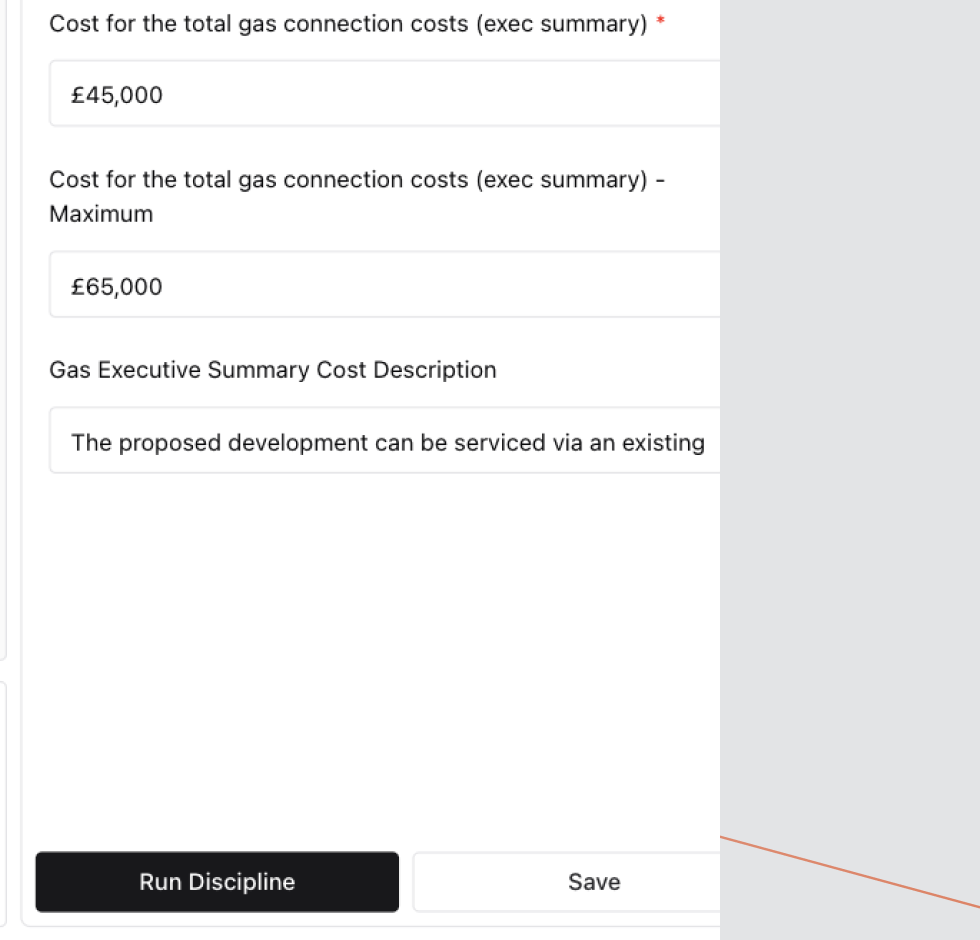
Select Save to store your changes.
Saving ensures that the latest configuration is recorded before running calculations.
Run the Discipline
Select Run Discipline.
The system will process the SIR Inputs and generate outputs for the selected Discipline.
If required fields are incomplete, the Discipline will not run successfully.
Review SIR Outputs
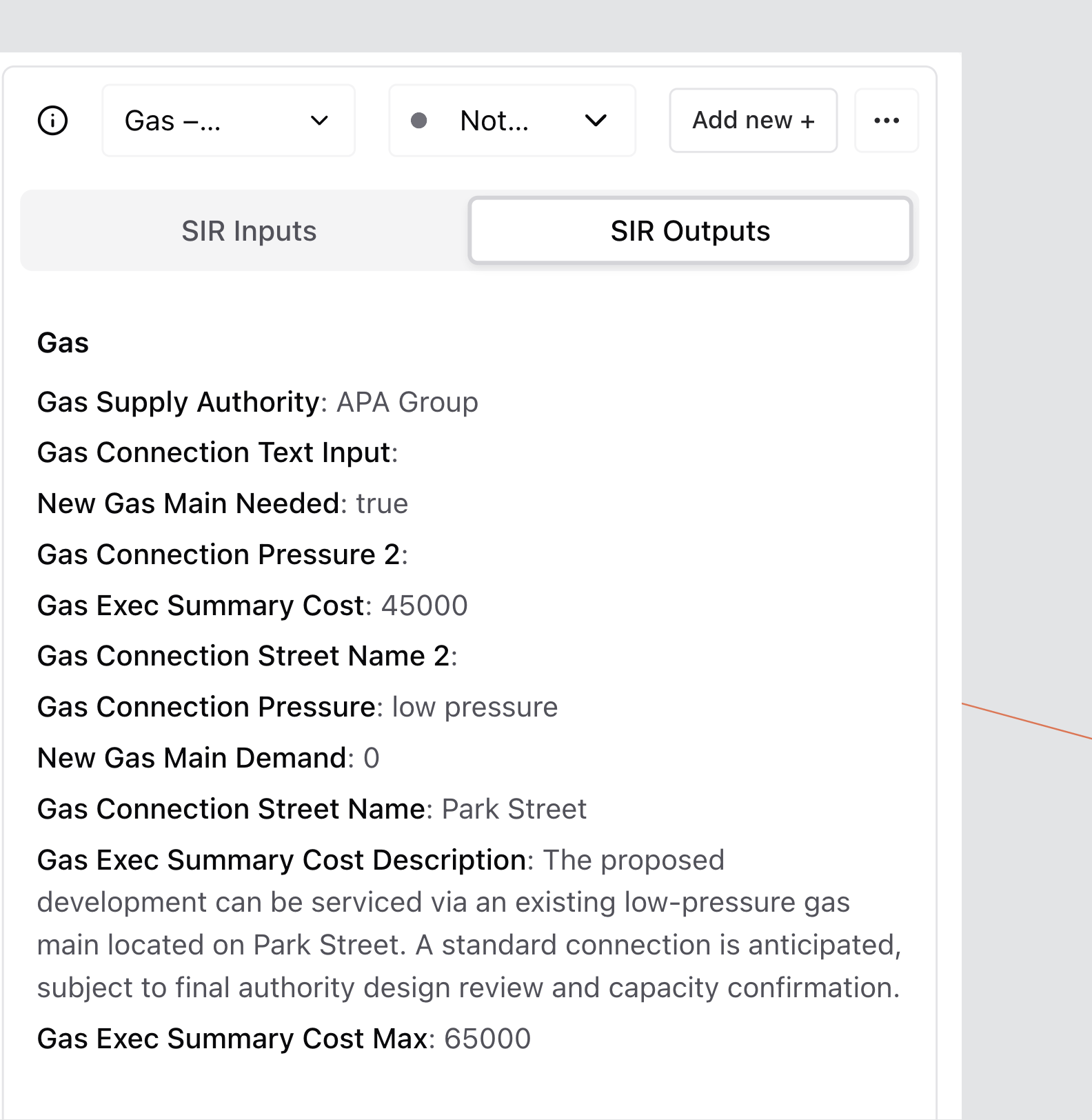
Select the SIR Outputs tab to view calculated results.
Outputs are generated directly from the configured SIR Inputs and are used for reporting and downstream analysis.
Re-Running a Discipline
If changes are made to SIR Inputs:
- Update the relevant fields.
- Select Save.
- Select Run Discipline again.
Outputs will refresh based on the most recently saved inputs.