Create a Report
A Report compiles all configured Disciplines, SIR Inputs, and calculated SIR Outputs into a structured Utilities Impact Report document.
Reports are generated from a selected Design Option and can only be created once all required Discipline inputs are complete and free of validation errors.
Open Reports
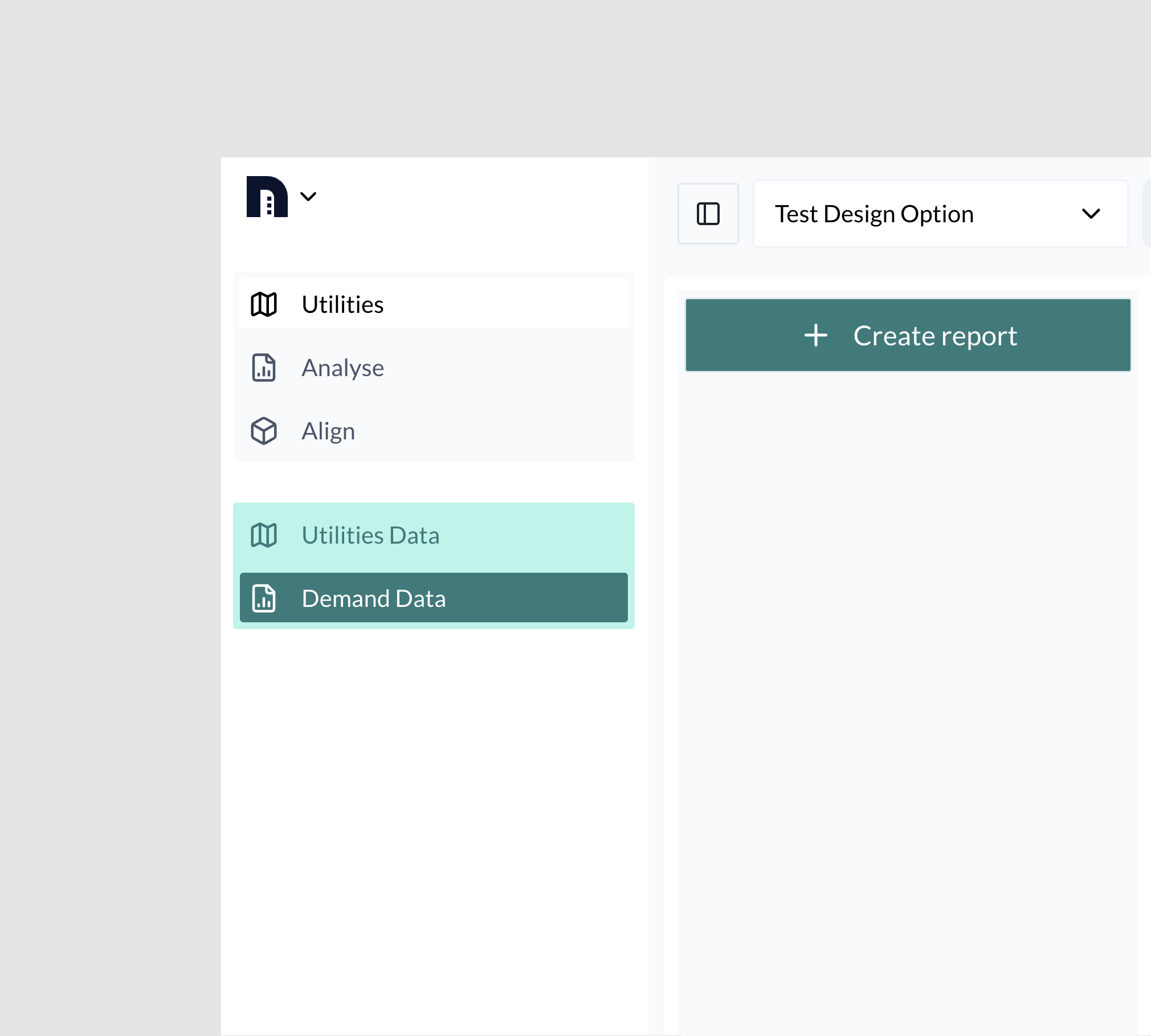
Navigate to the Utilities tool.
From the workspace, select the Reports tab.
Click + Create Report.
Enter Report Details
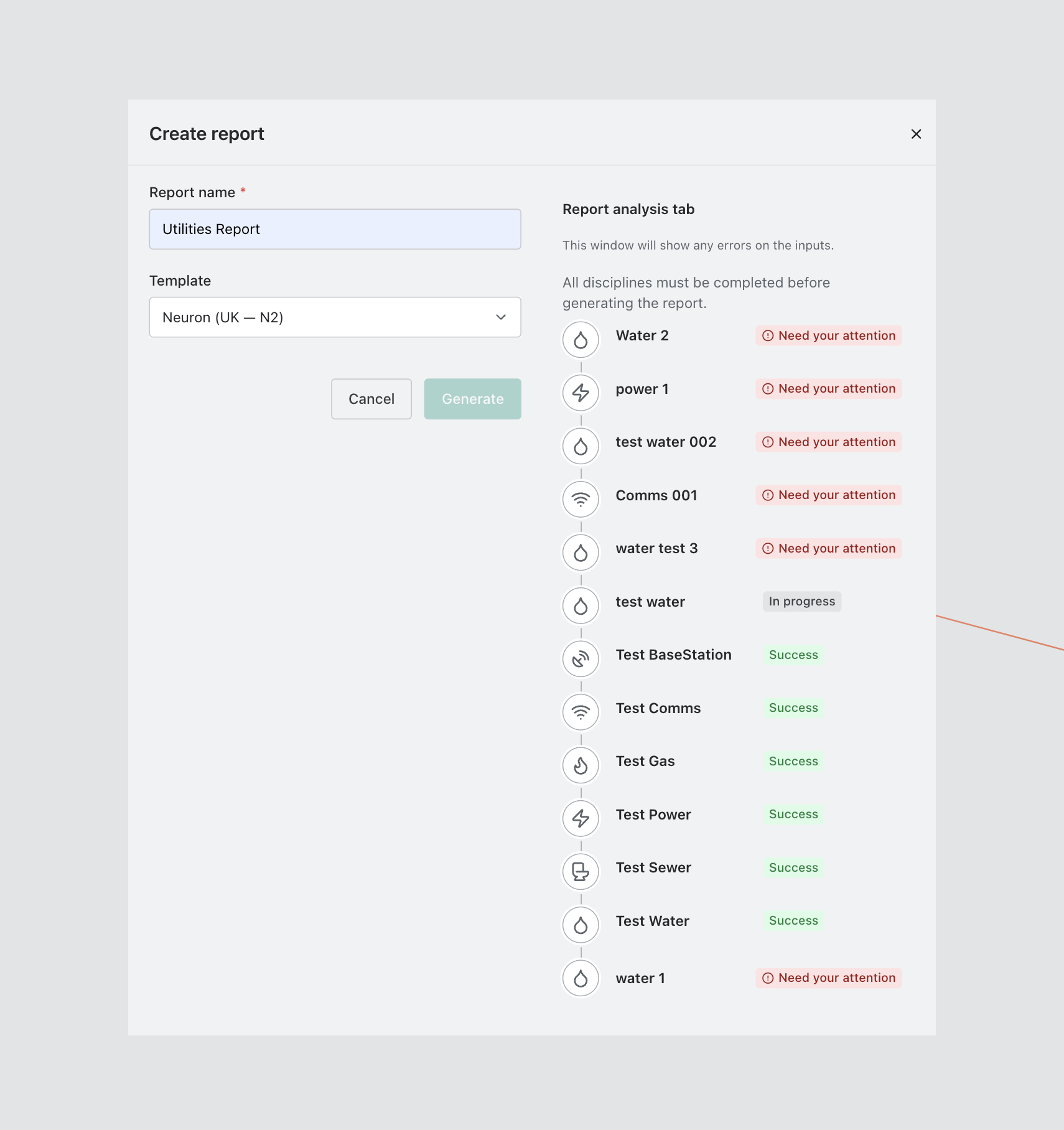
The New Report modal will open.
Complete the following:
- Enter a Report Name (required)
- Select a Report Template from the dropdown
The modal will display:
- All Disciplines included in the selected Design Option
- Any validation errors or incomplete inputs
All validation errors must be resolved before the report can be generated.
Generate the Report
Once all required fields are complete and no validation errors remain:
Select Generate.
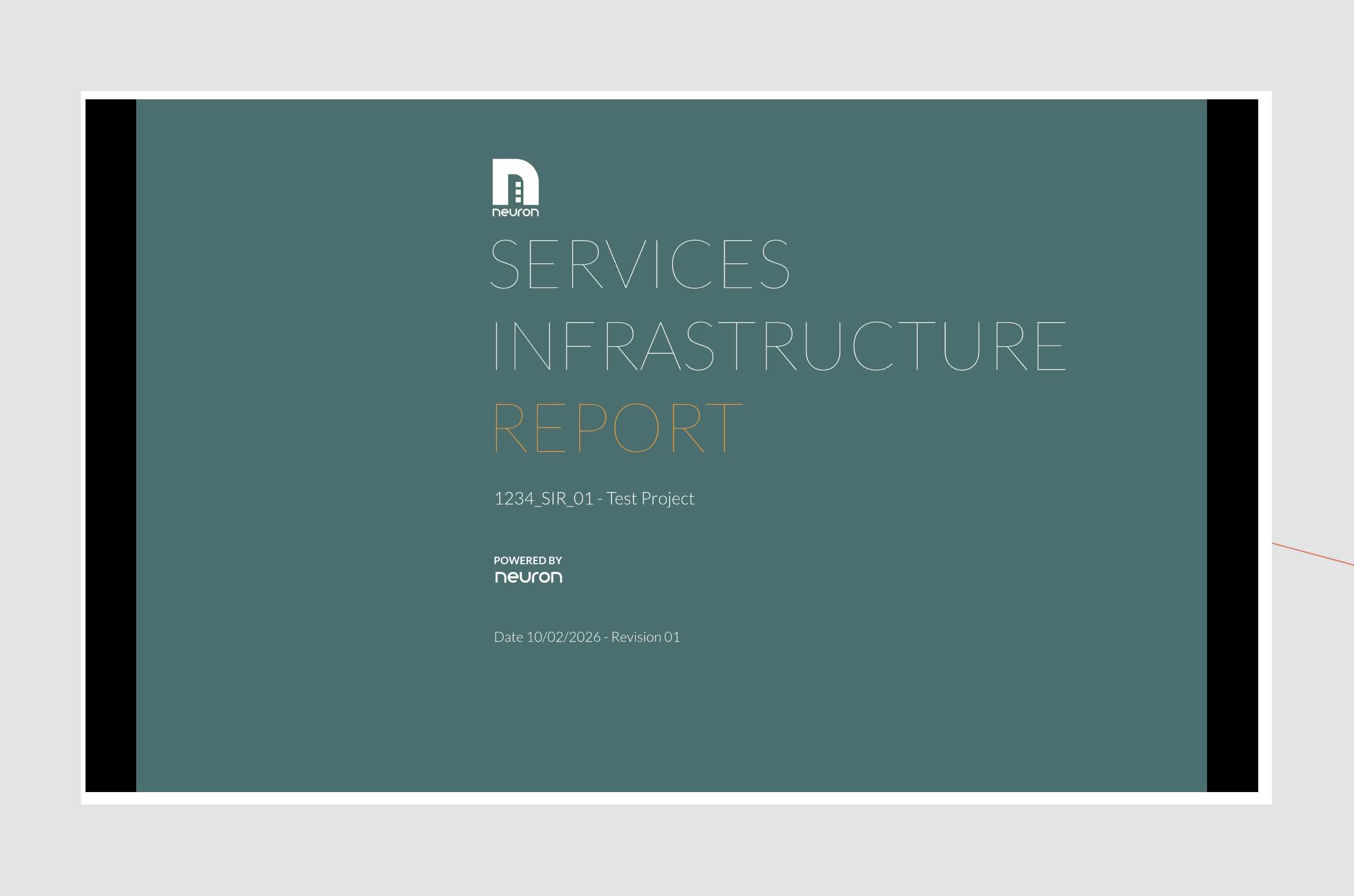
The generated Report will appear in the Reports panel.
View and Download
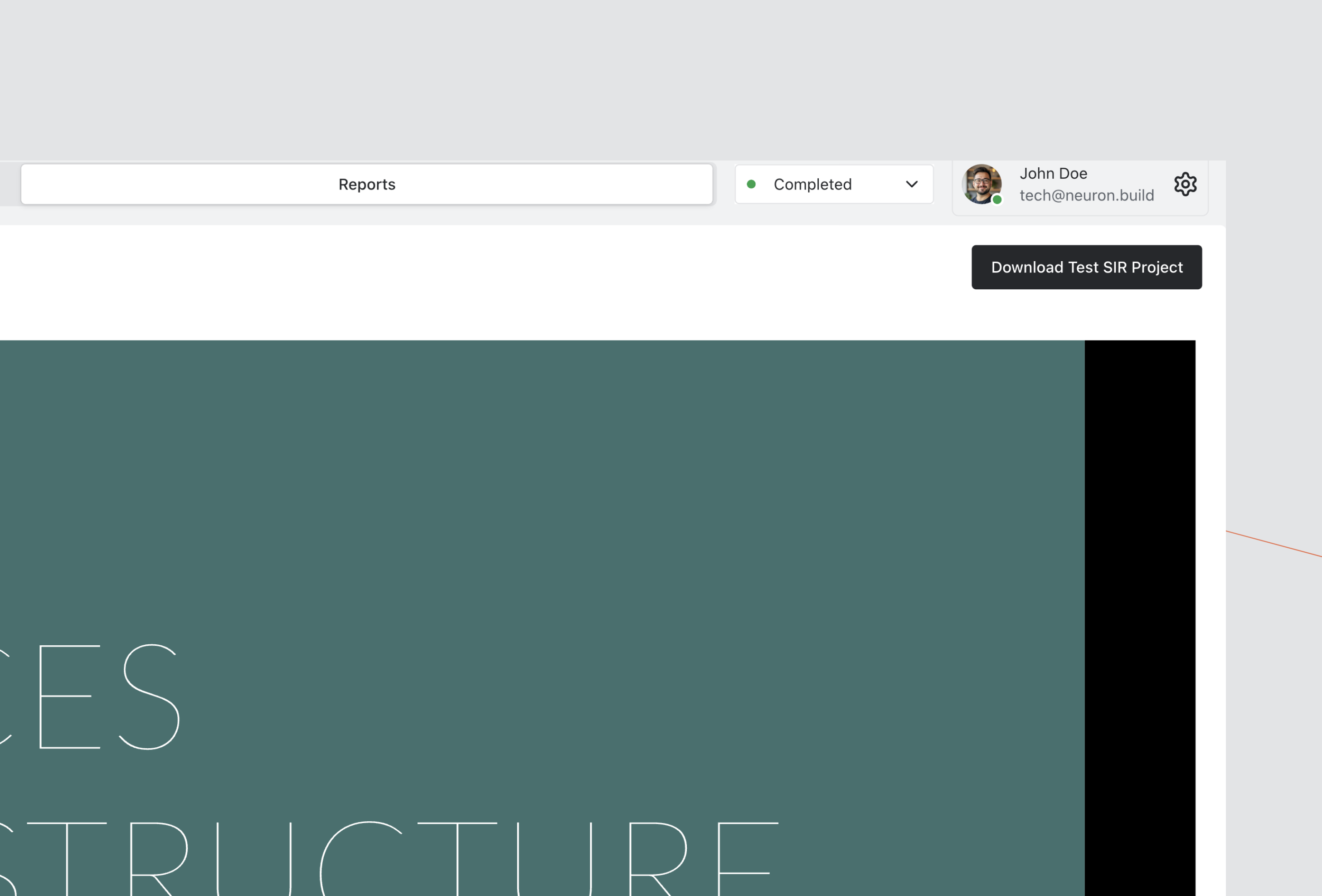
Select the Report from the list to display a preview in the main workspace.
Use the Download button in the top-right corner to export the document.
Troubleshooting
Report Cannot Be Created
- Ensure all Discipline inputs are complete.
- Resolve any validation errors shown in the Report modal.
- Confirm a Report Template has been selected.
- Ensure the correct Design Option is active.