Add a Discipline
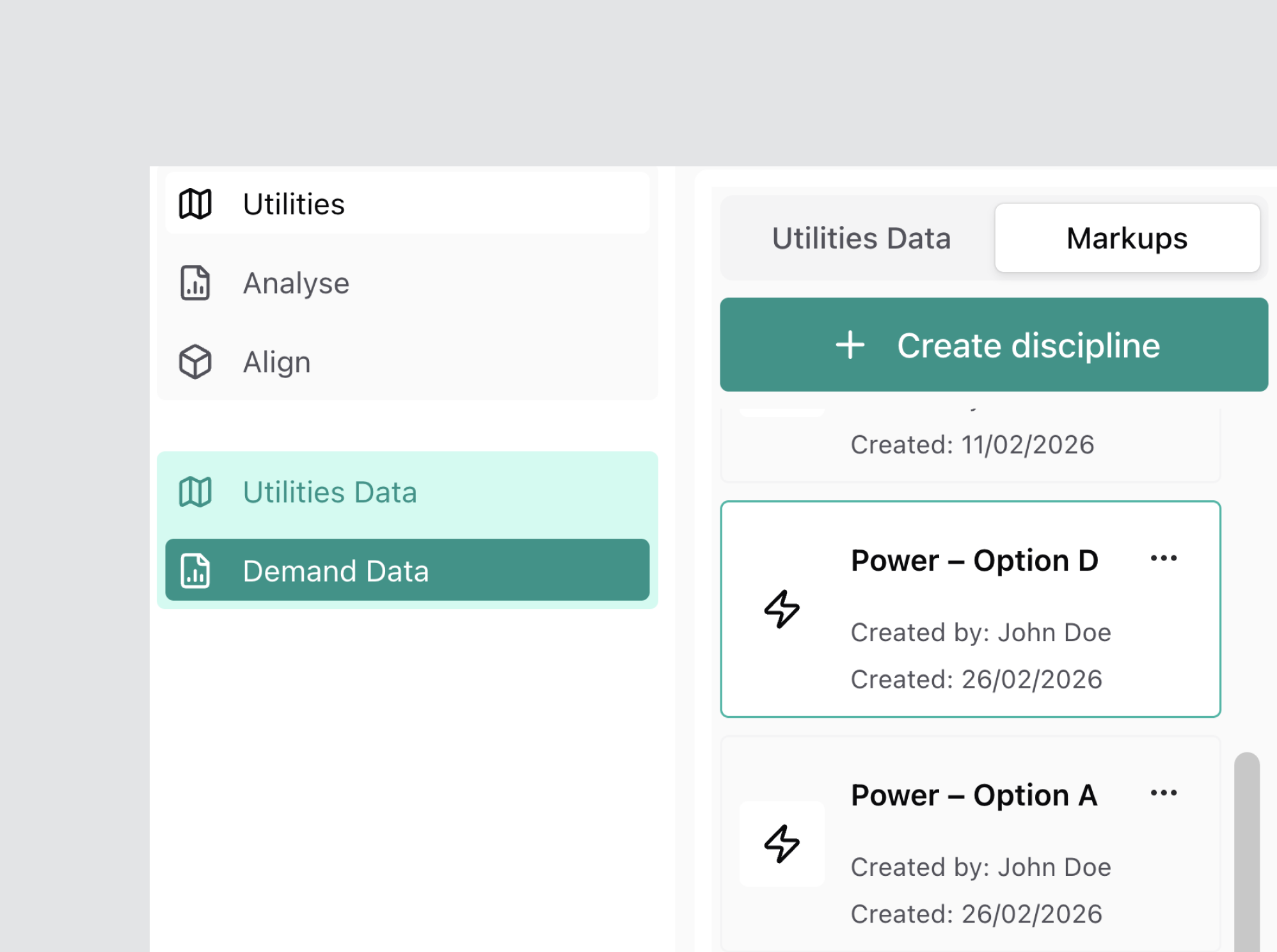
A Discipline represents a specific infrastructure category (e.g. Power, Water, Sewer) within a Design Option.
Disciplines are used to configure SIR Inputs, create markups, and generate analysis outputs.
A Discipline must always be created under an existing Design Option.
Open Markups
Navigate to:
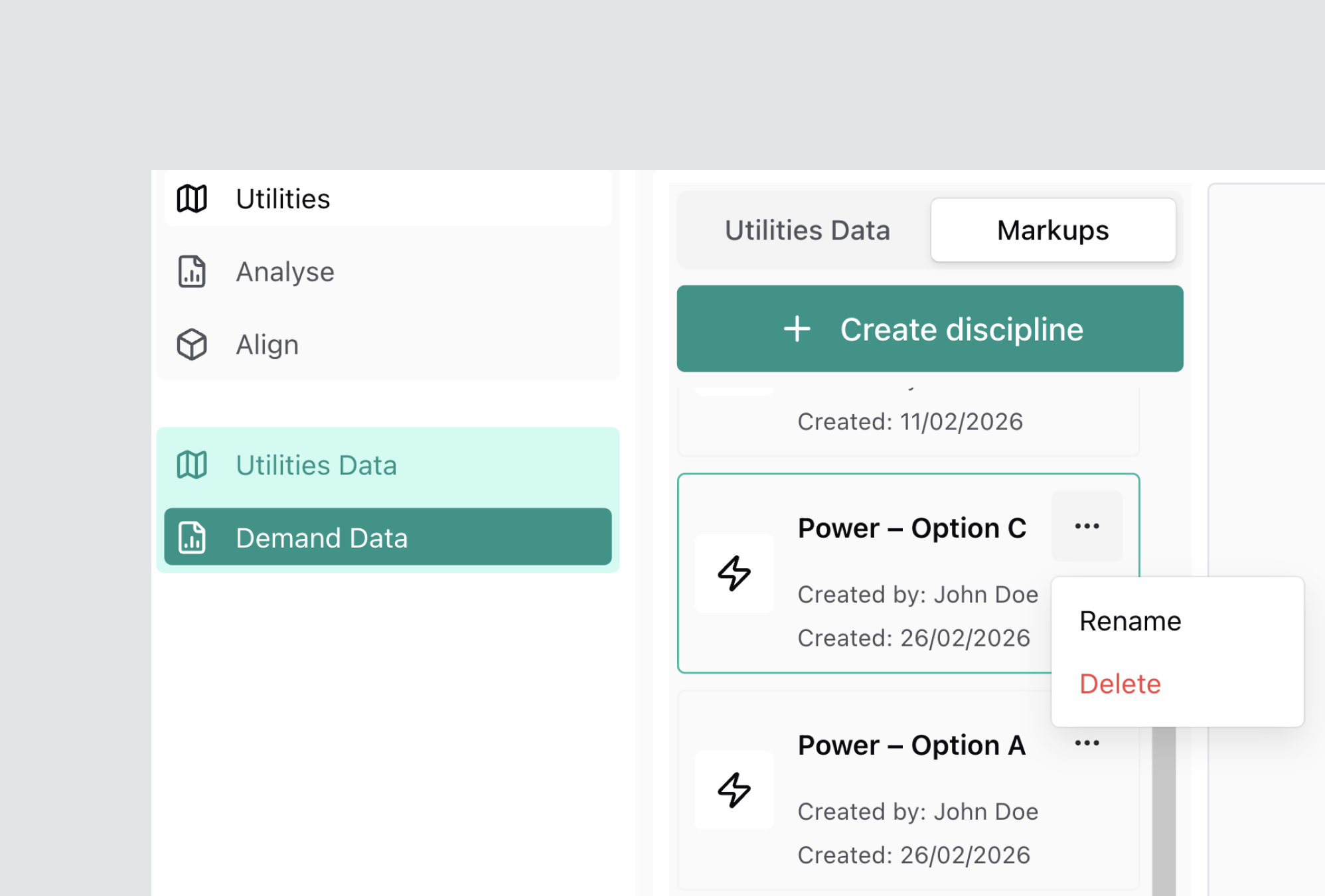
Demand Data → Markups
Use the Design Option dropdown (top-right) to select the Design Option where the Discipline will be created.
Any existing Disciplines will appear in the list below.
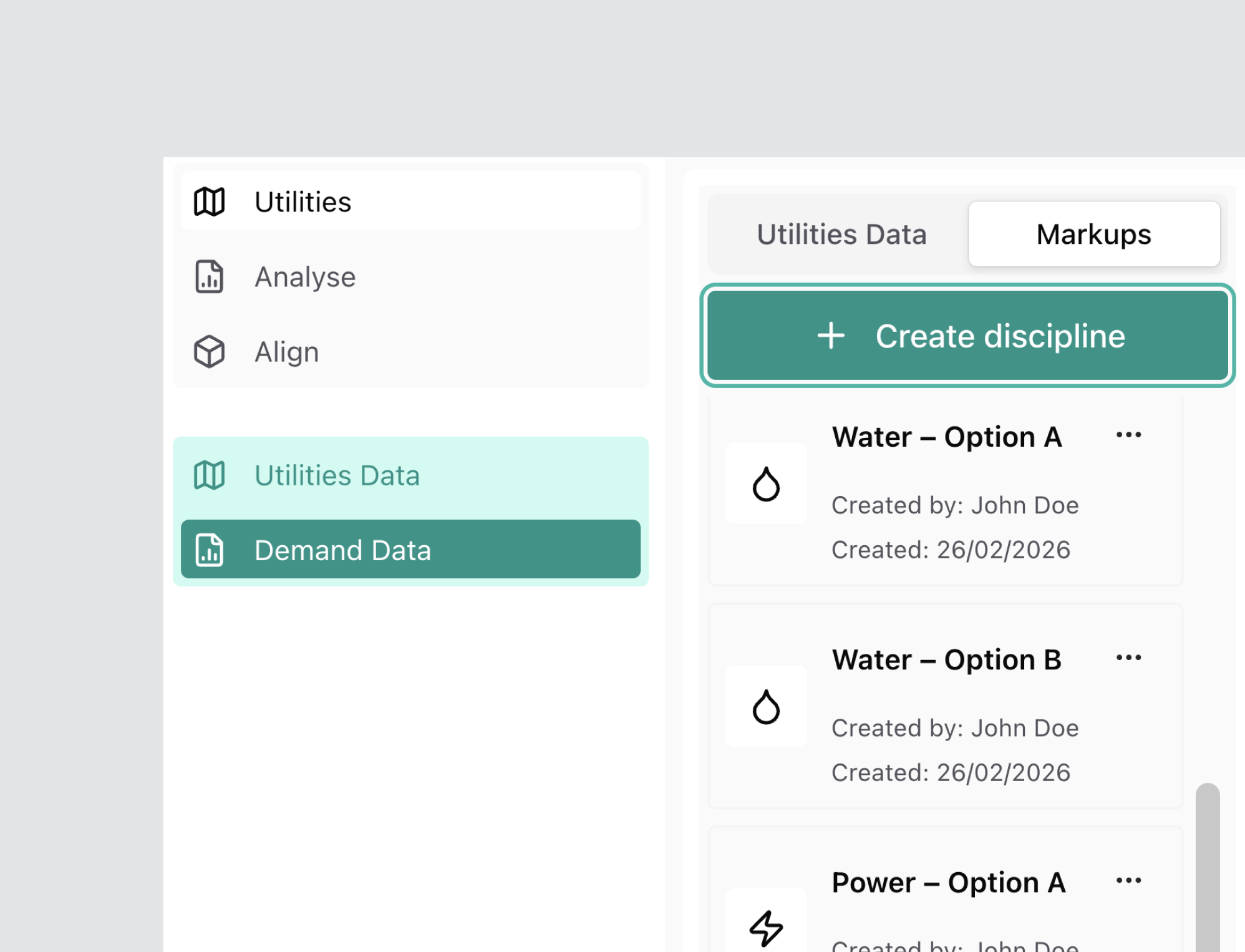
Create a Discipline
Select + Create Discipline.
The New Discipline modal will open.
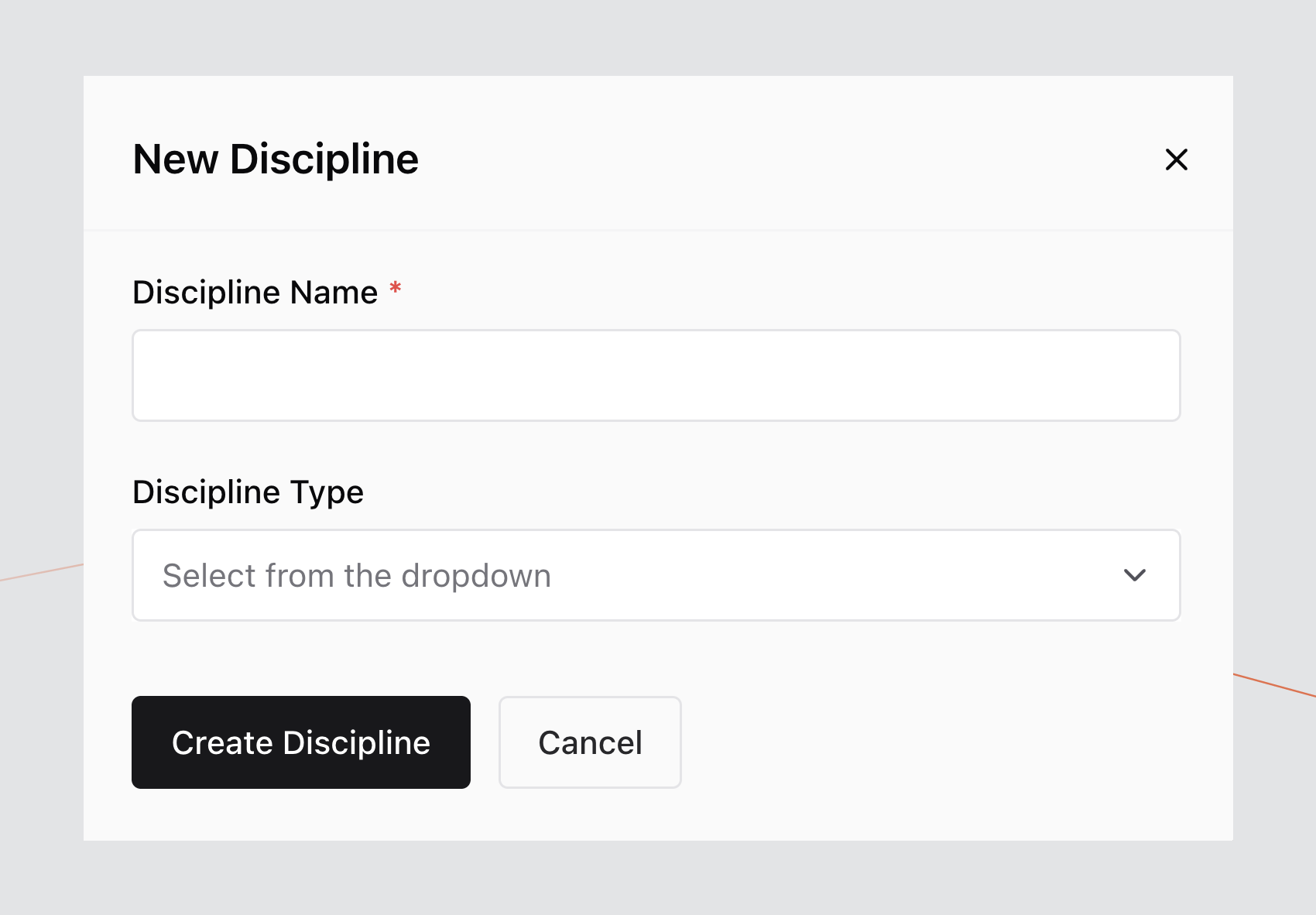
Enter Discipline Details
Complete the required fields:
- Discipline Name
- Discipline Type
Available Discipline Types include:
- Power
- BaseStation
- Comms
- Gas
- Water
- Sewer
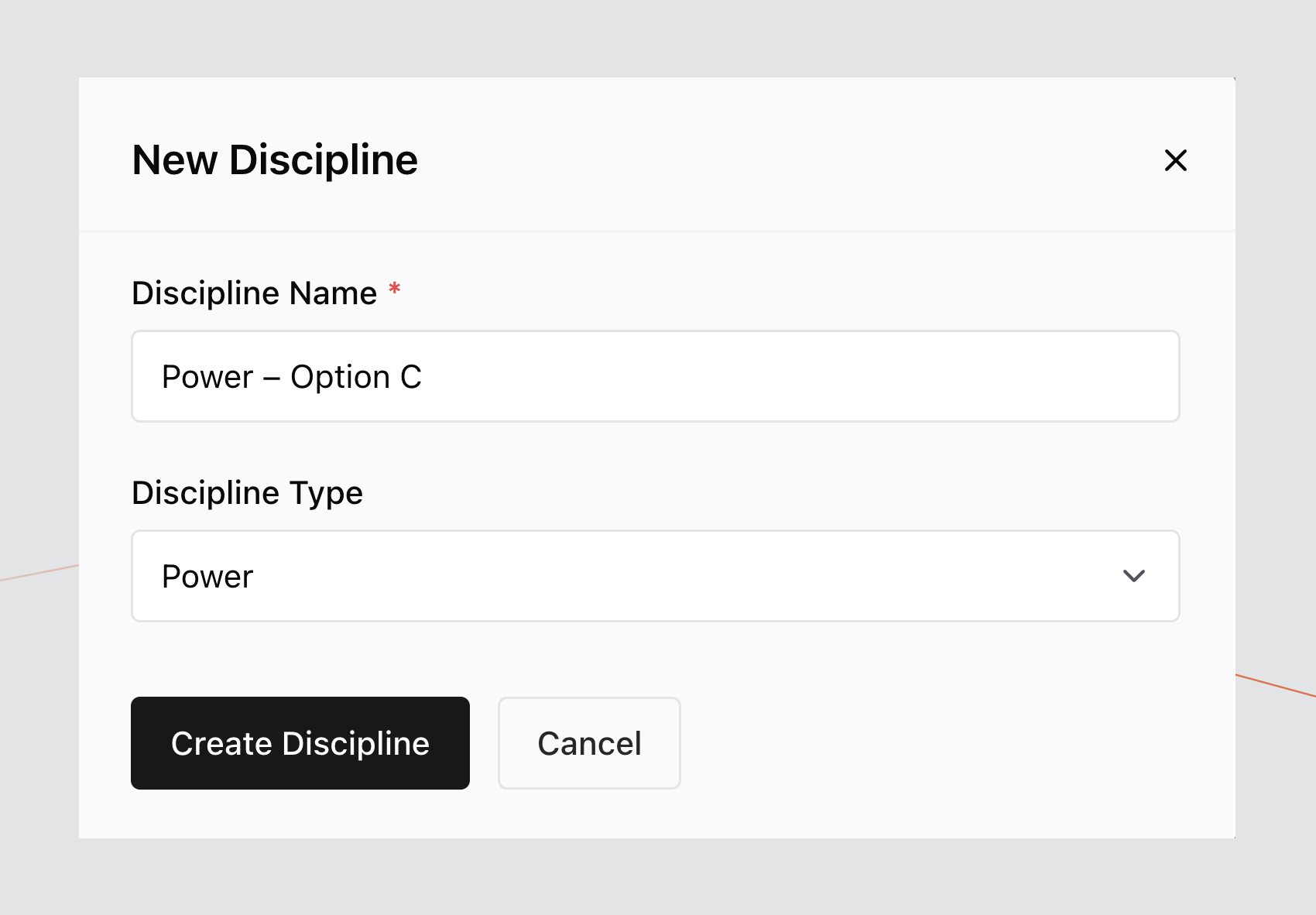
Confirm Creation
Select Create Discipline.
The new Discipline will appear in the list under the selected Design Option.
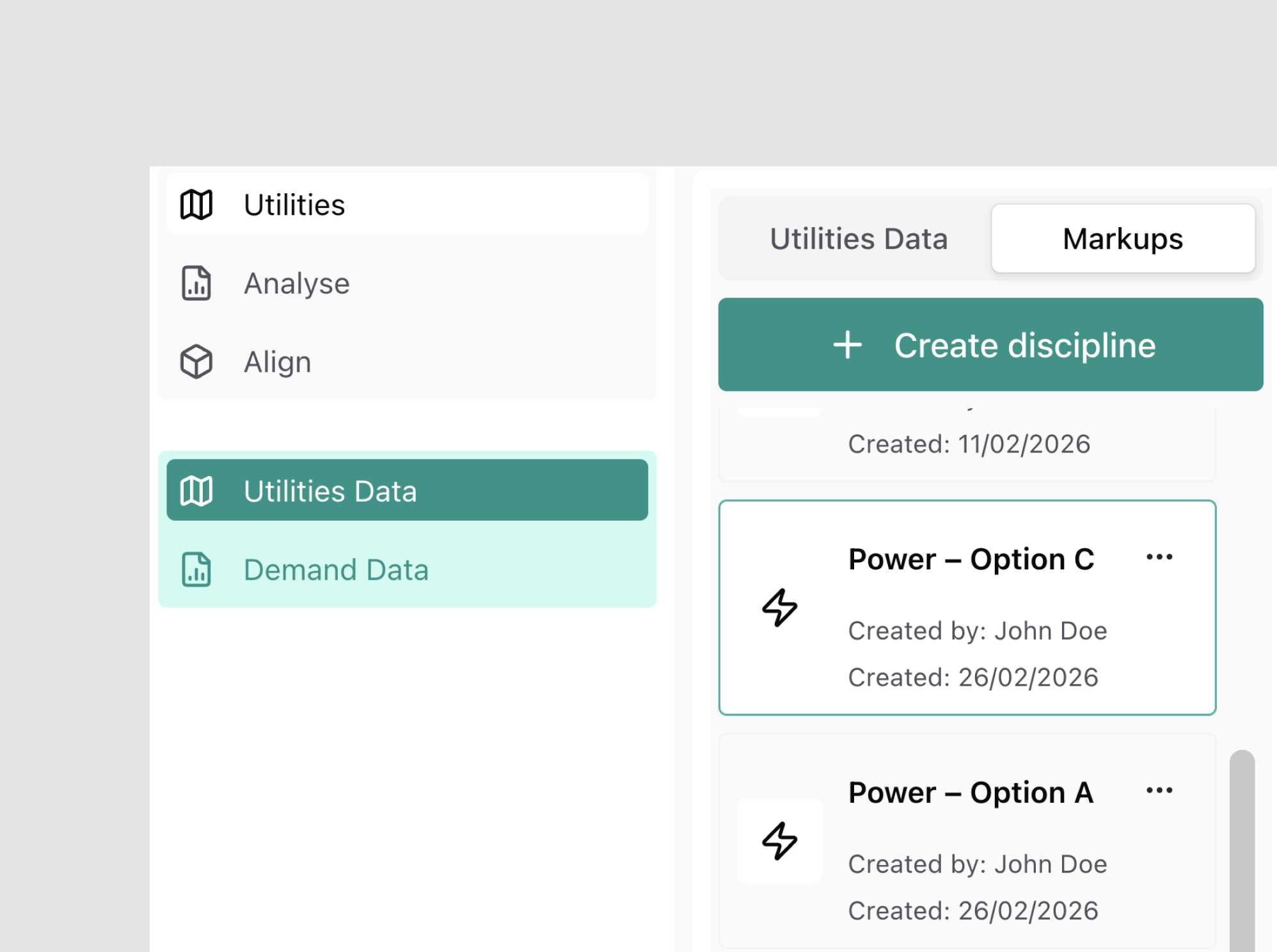
The Discipline is now available for SIR Input configuration and markup creation.
Alternative Method
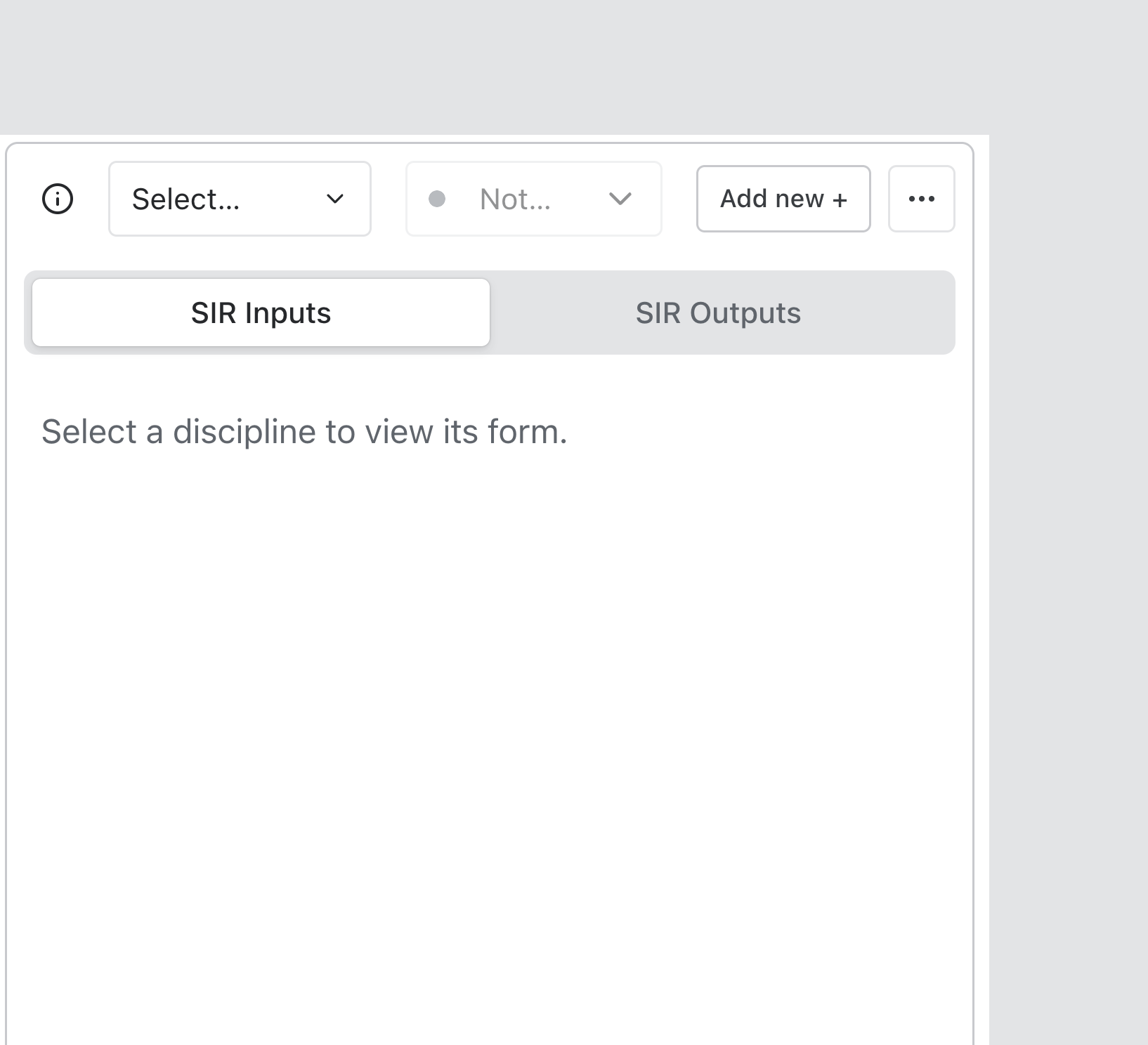
A Discipline can also be created from within the SIR Inputs screen:
- Select an existing Discipline.
- Select Add New +.
- Complete the New Discipline modal.
Manage Disciplines
After creation, you can:
- Switch between Disciplines using the Discipline dropdown
- Configure or edit SIR Inputs
- Rename or Delete using the ellipsis (•••) menu
Delete a Discipline
- Select the ellipsis (•••) menu on the Discipline you wish to delete.
- Select Delete.
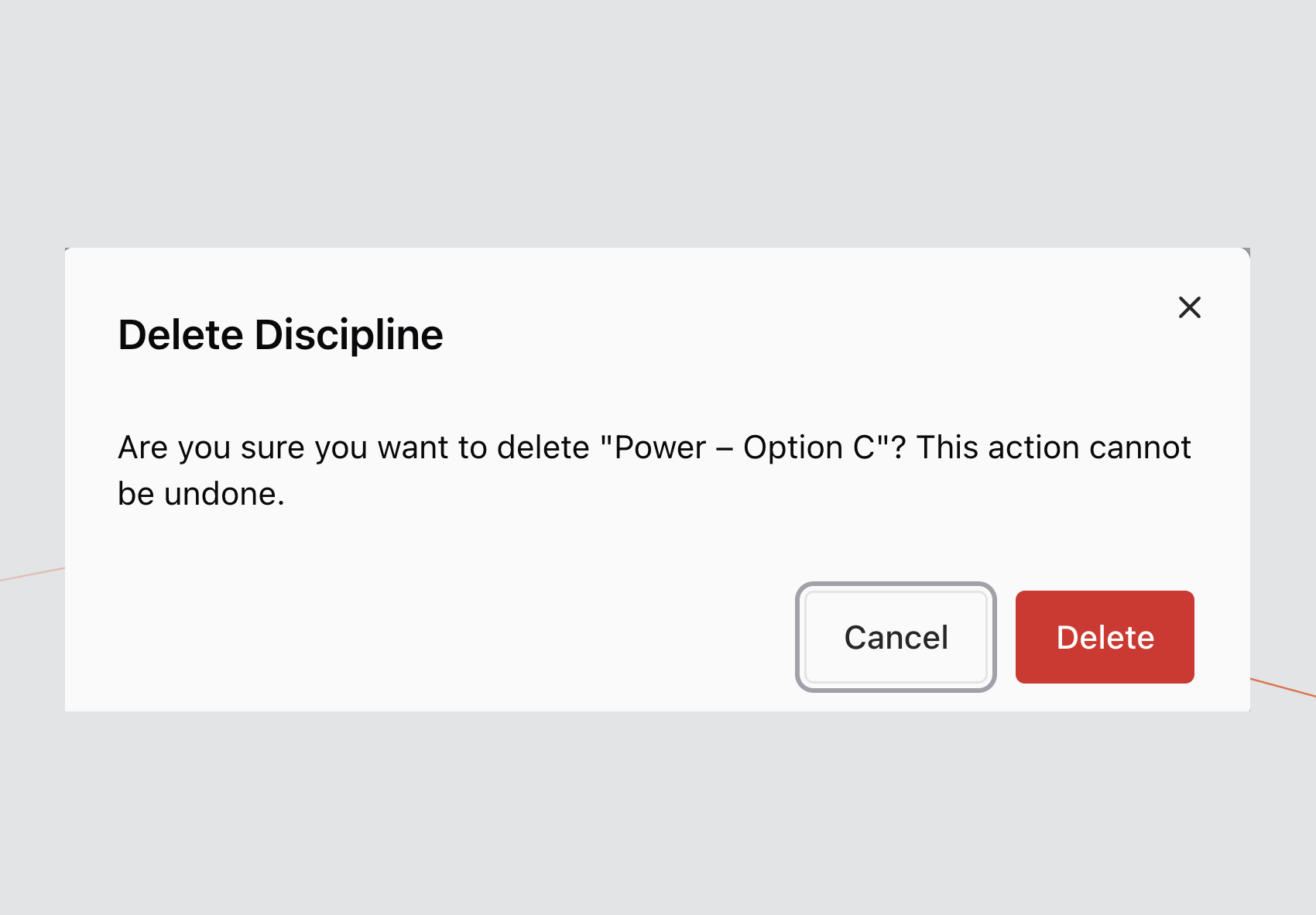
A confirmation modal will appear.
Select Confirm to permanently remove the Discipline from the list.
Rename a Discipline
- Select the ellipsis (•••) menu.
- Select Rename.
- Enter the updated Discipline Name.
- Confirm the change.
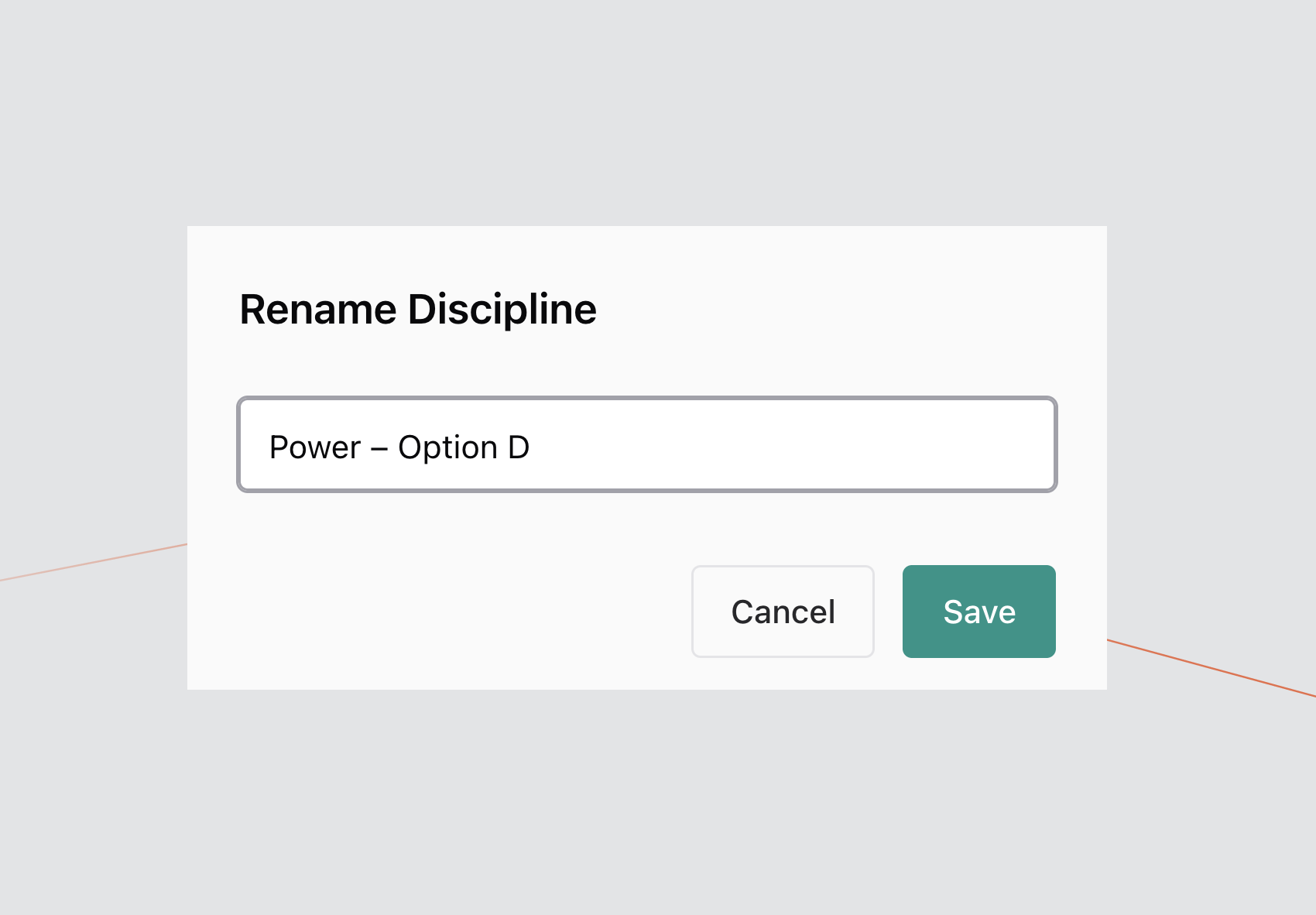
The updated Discipline Name will appear immediately in the list.
Naming Guidance
To maintain clarity across Design Options:
- Use consistent naming conventions (e.g.
Power – Option A) - Avoid duplicate Discipline Names within the same Design Option
- Ensure the Discipline Type aligns with the infrastructure category