Create an Express Infrastructure Report
The Express Infrastructure Report workflow enables users to generate a Utilities Impact Report directly through the Neuron website.
This guided process captures essential site and building parameters required to produce an infrastructure assessment without accessing the Utilities platform.
Reports are generated based on the information provided during submission.
Access the Report
Navigate to:
https://neuron.build/create-report
You may also launch the workflow directly:
Open Fast ReportSelect Report Type
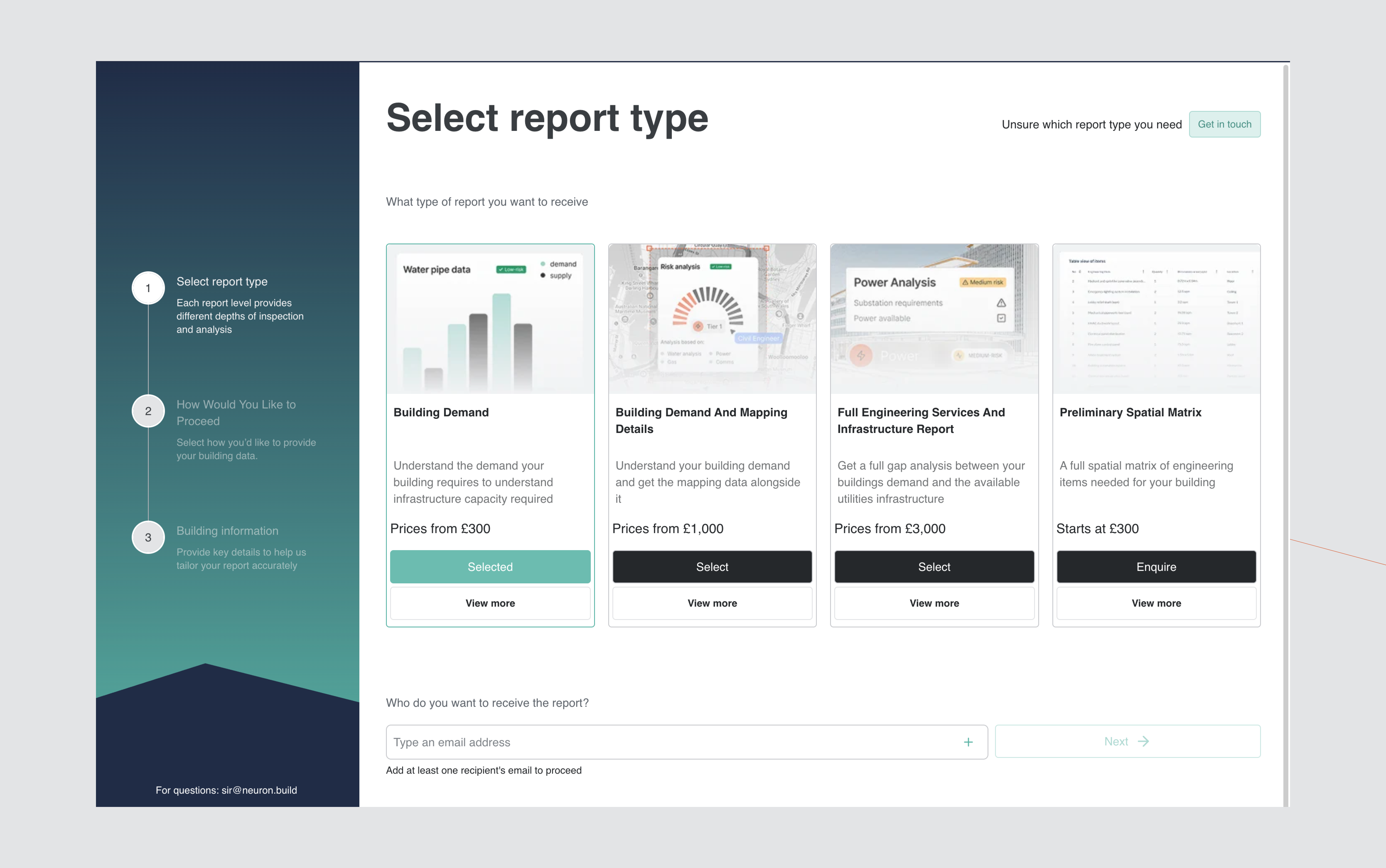
Select the report type appropriate to your project requirements.
Each report tier provides a defined level of infrastructure review and analysis.
Available options include:
- Building Demand
- Building Demand and Mapping Details
- Full Engineering Services and Infrastructure Report
- Preliminary Spatial Matrix
Confirm your selection to proceed.
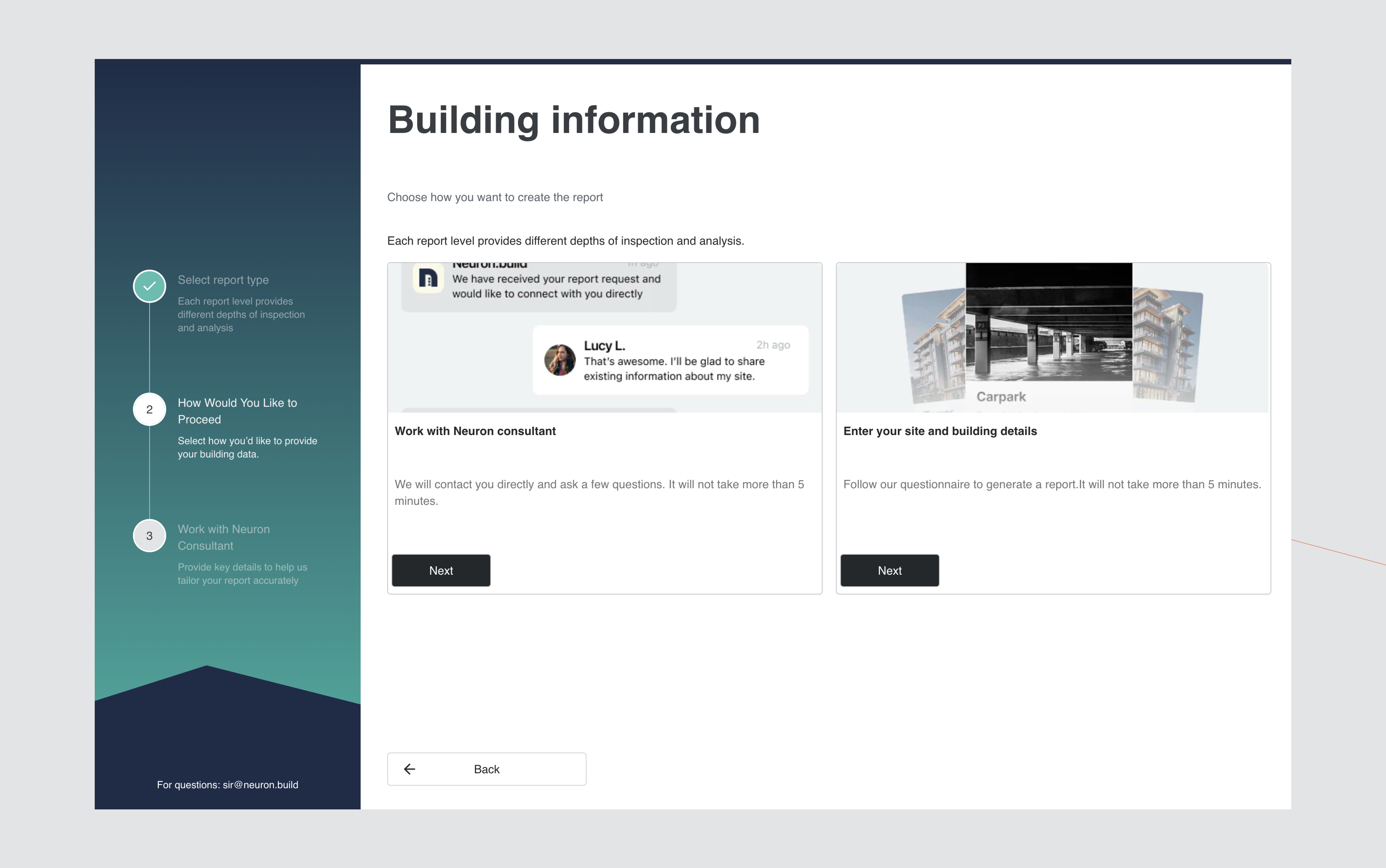
Choose Submission Method
Determine how project information will be provided:
- Work with a Neuron Consultant
- Enter Site and Building Details
Selecting the self-entry option initiates the structured data collection workflow.
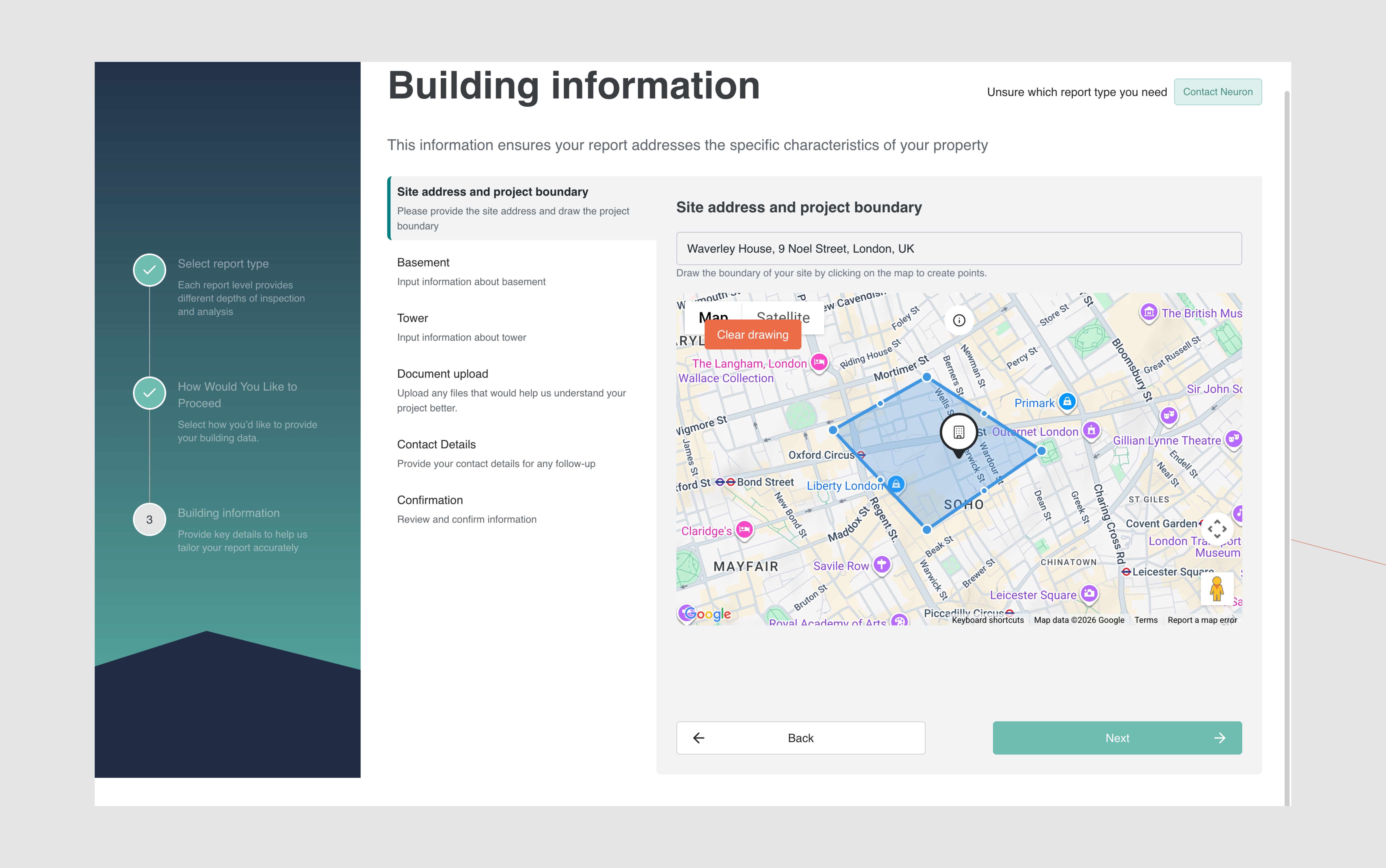
Site Address and Project Boundary
Enter the site address using the search field.
Define the project boundary using the interactive map interface:
- Click to initiate boundary drawing.
- Add vertices around the project extent.
- Close the polygon by reconnecting to the starting point.
A valid submission requires a fully closed boundary.
Map functionality includes:
- Standard and Satellite view
- Zoom and navigation controls
- Polygon drawing tools
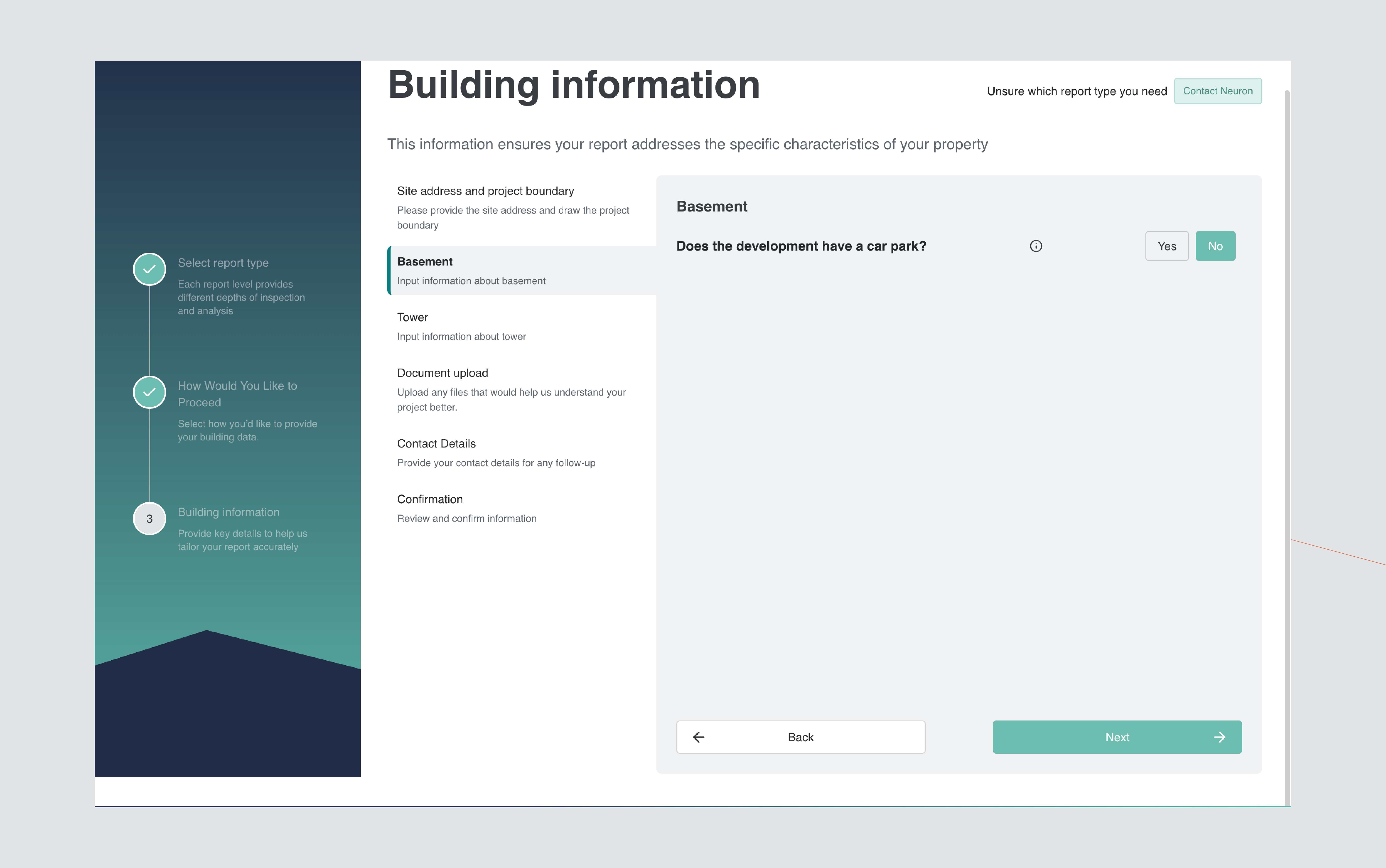
Basement Configuration
Indicate whether the development includes a basement car park.
This input informs infrastructure load calculations and service demand modelling.
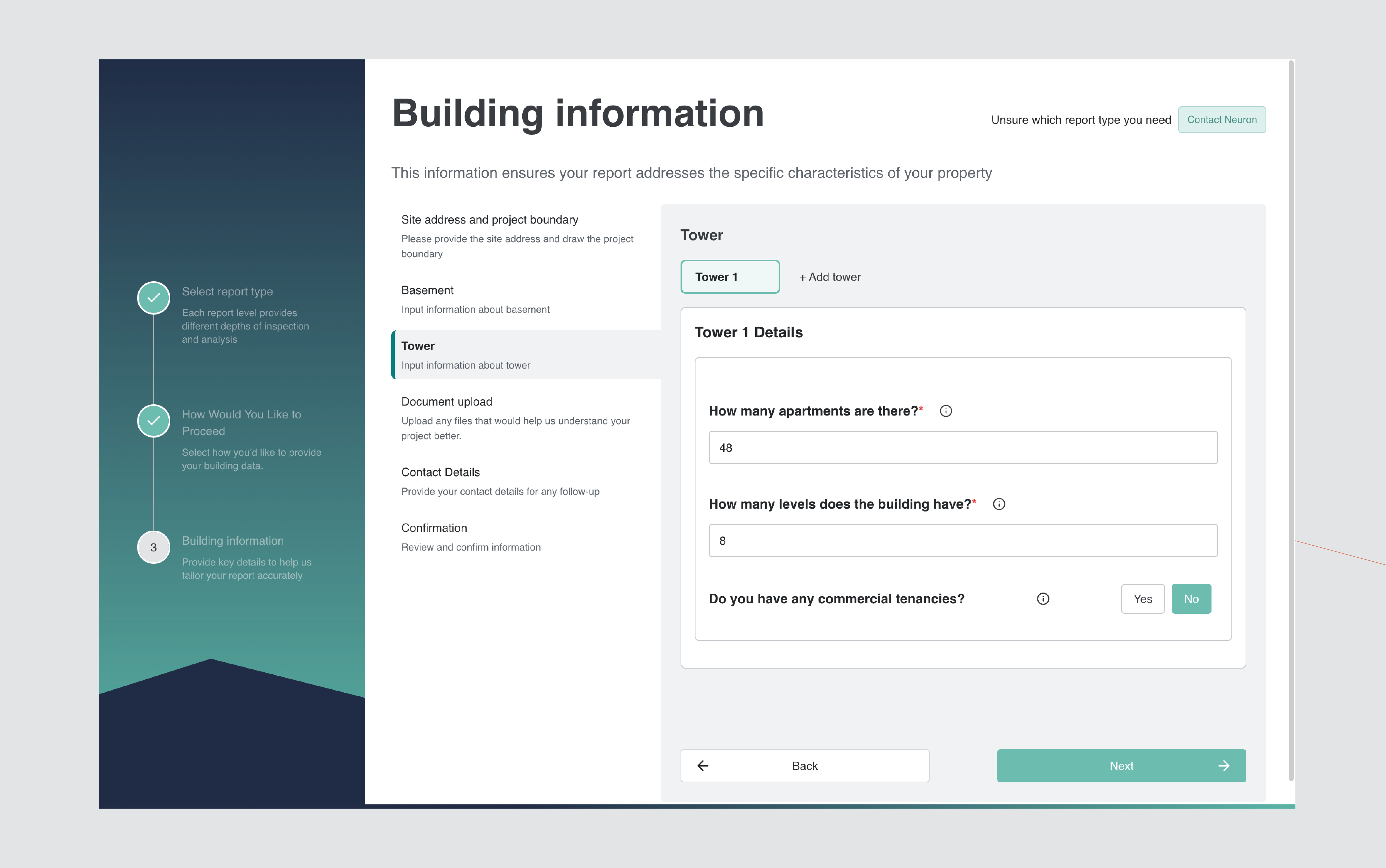
Tower Configuration
Provide building-level details including:
- Total number of apartments
- Number of levels
- Presence of commercial tenancies
For multi-building developments, select Add tower to capture additional structures.
Supporting Documentation
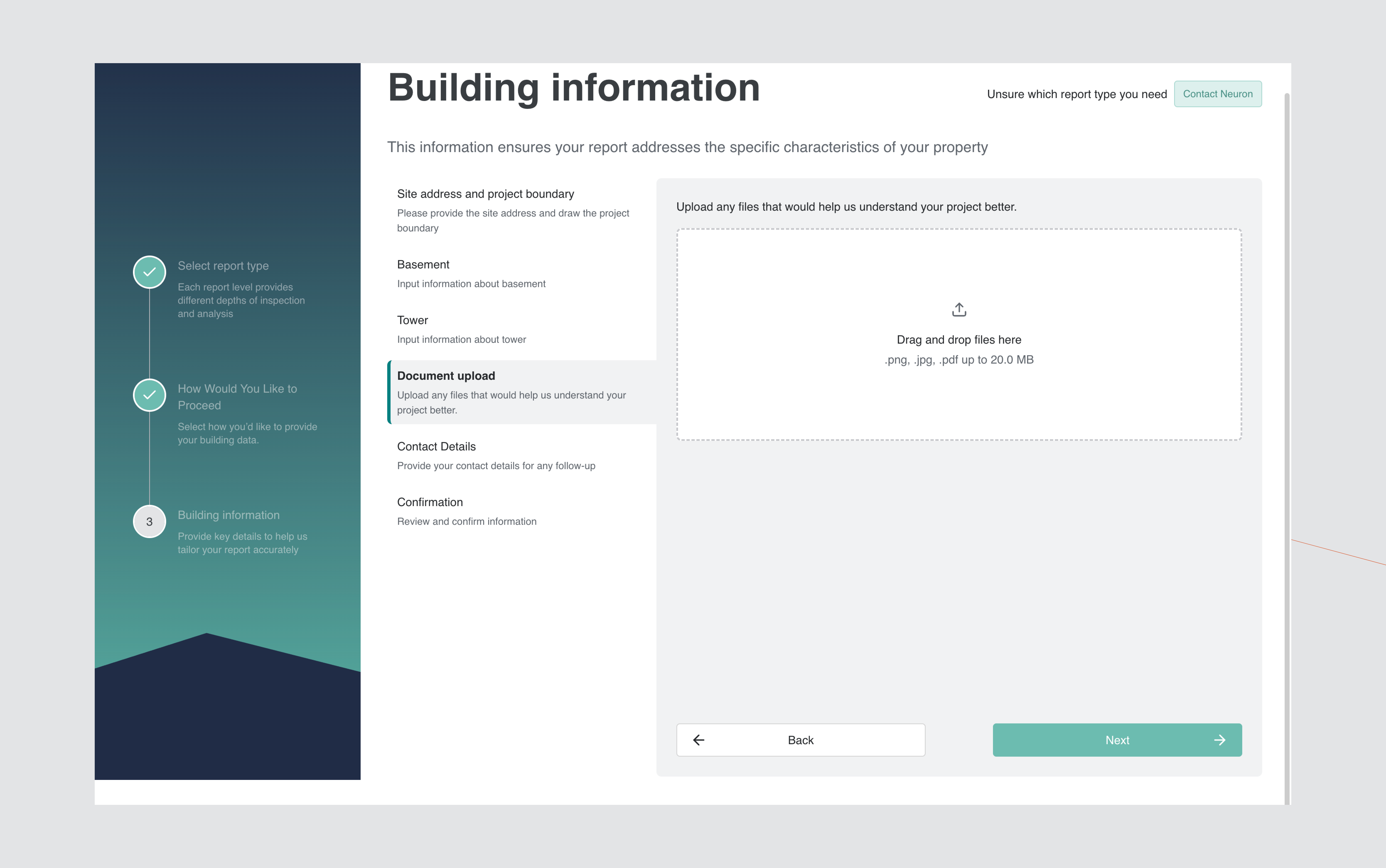
Upload supporting project documentation where available, including:
- Architectural drawings
- Concept plans
- Site layouts
- Service coordination documents
Accepted file formats:
- .png
- .jpg
- .pdf (maximum 20MB per file)
Submission of documentation improves assessment accuracy but is not mandatory.
Contact Details
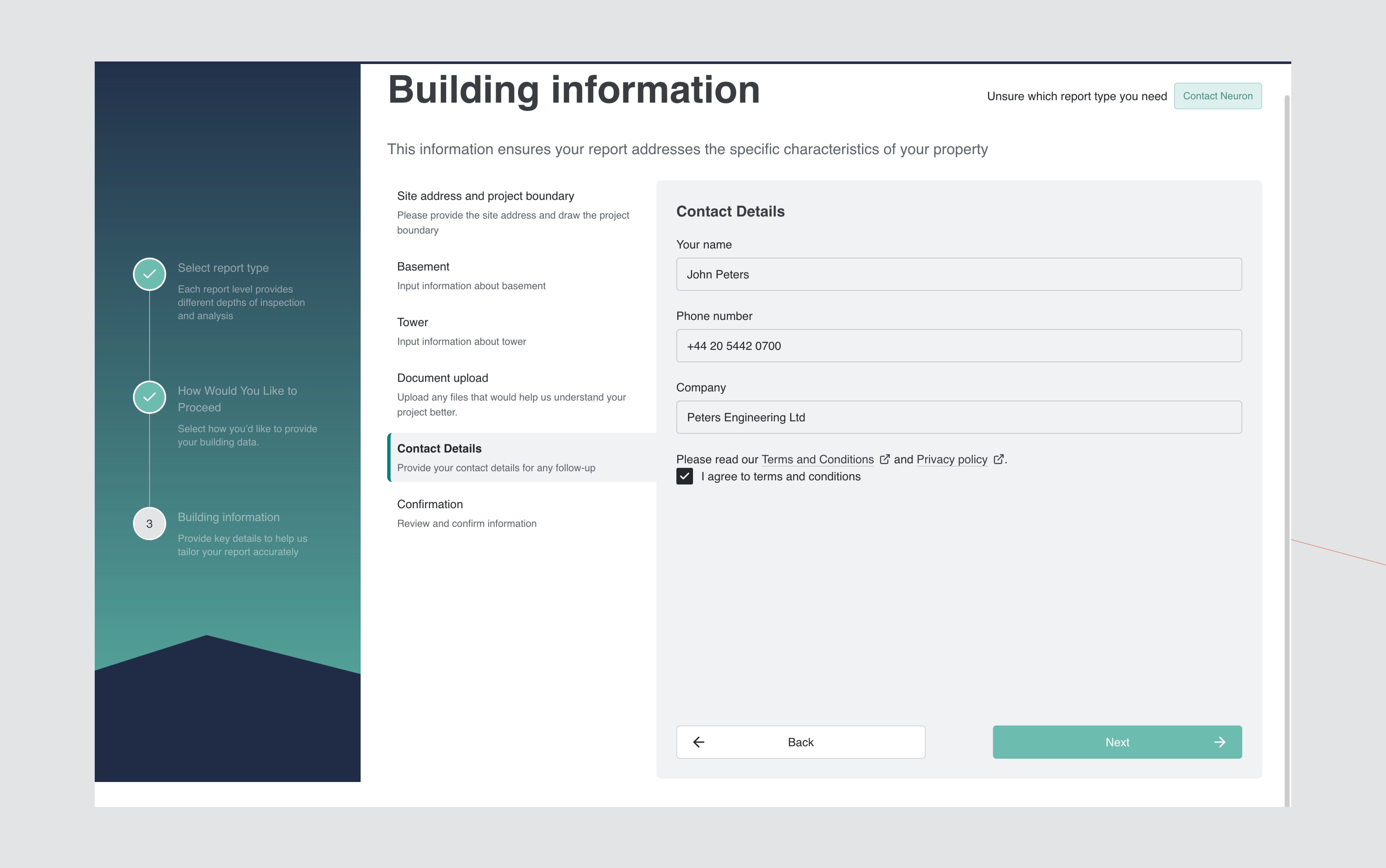
Provide submission contact information:
- Full name
- Phone number
- Company name
- Acceptance of Terms and Conditions
All mandatory fields must be completed before proceeding.
Confirmation and Submission
Review all entered information prior to submission.
The confirmation screen summarises:
- Selected report type
- Site address and boundary
- Building configuration
- Contact details
- Pricing and turnaround timeframe
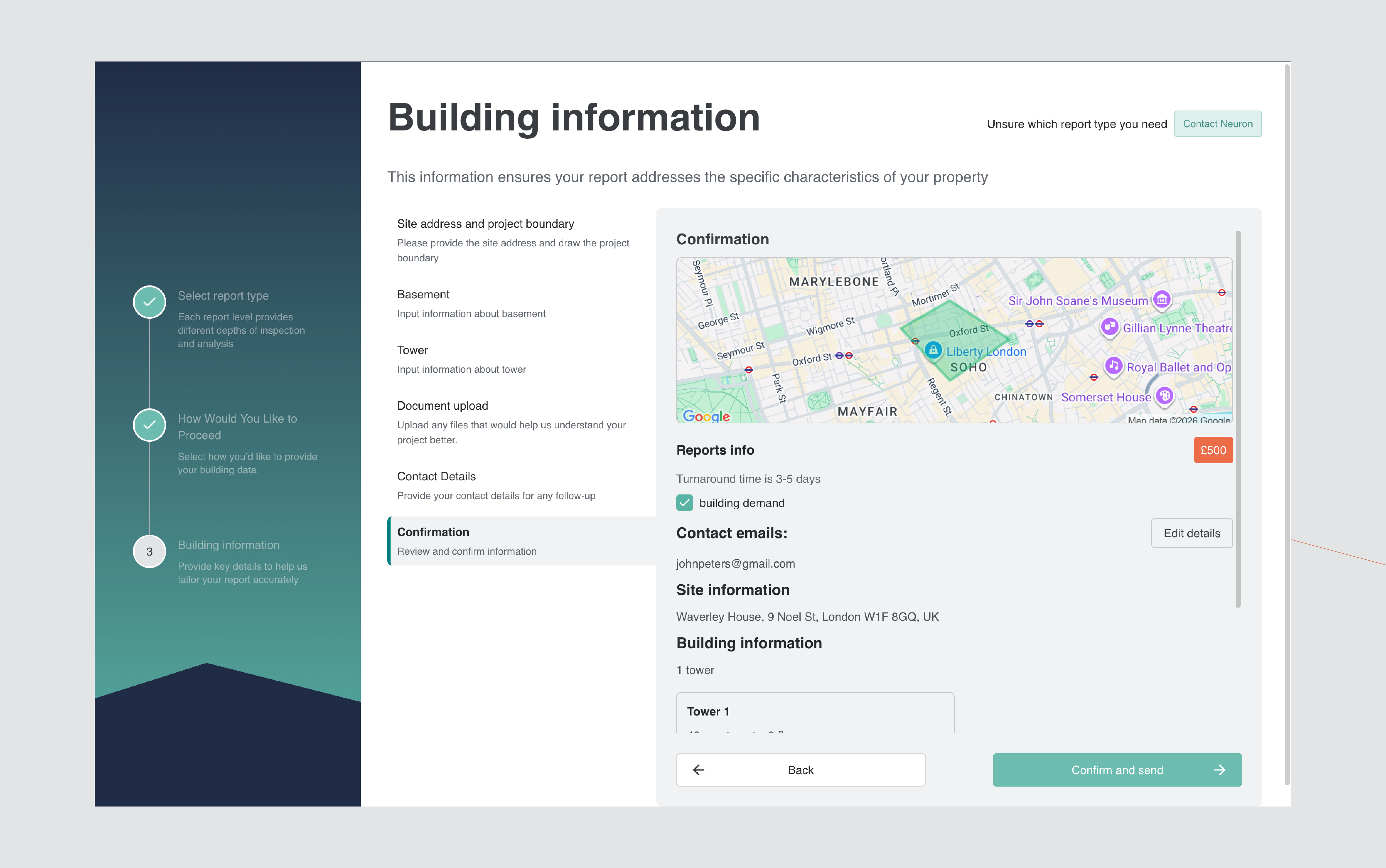
Select Confirm and Send to finalise submission.
The request will be processed in accordance with the selected service level.